
Last updated November 5, 2026
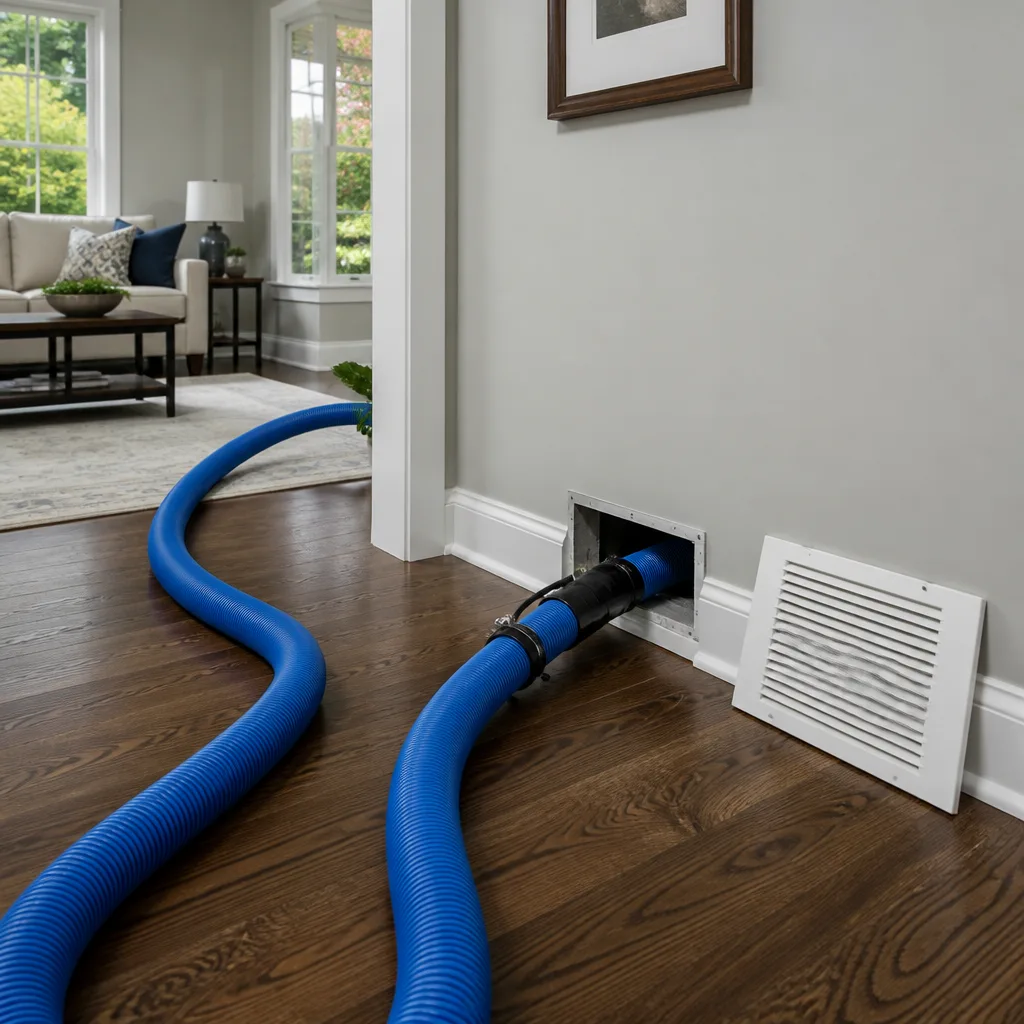 Whole-home duct cleaning
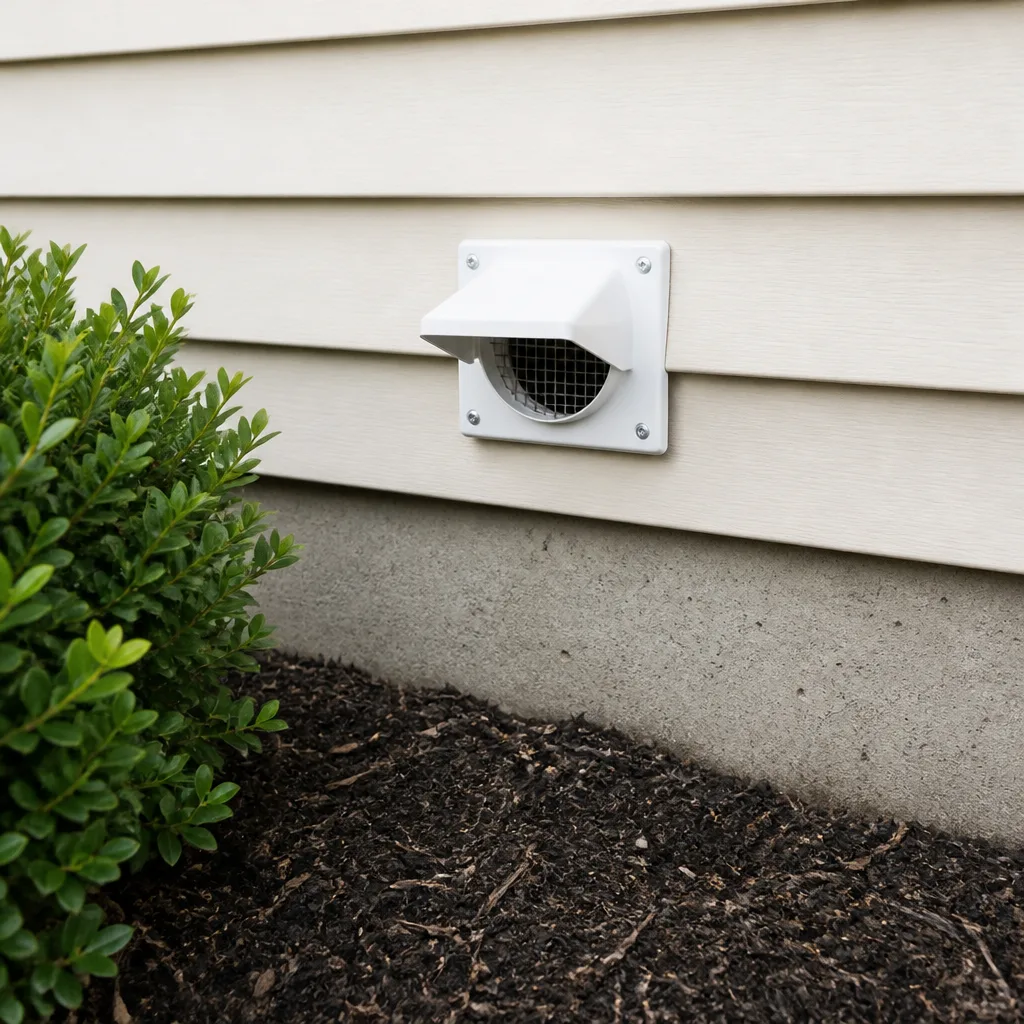 Dryer vent cleaning
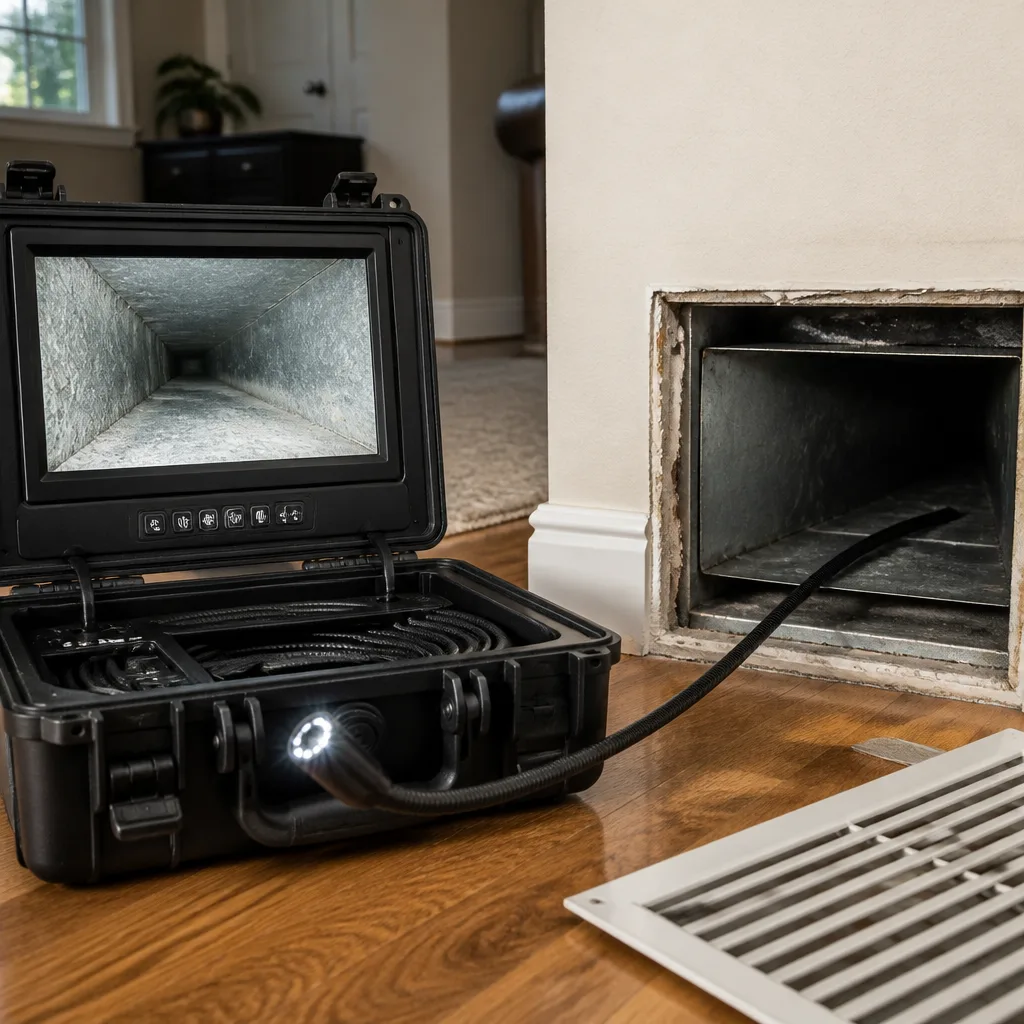 Camera inspection
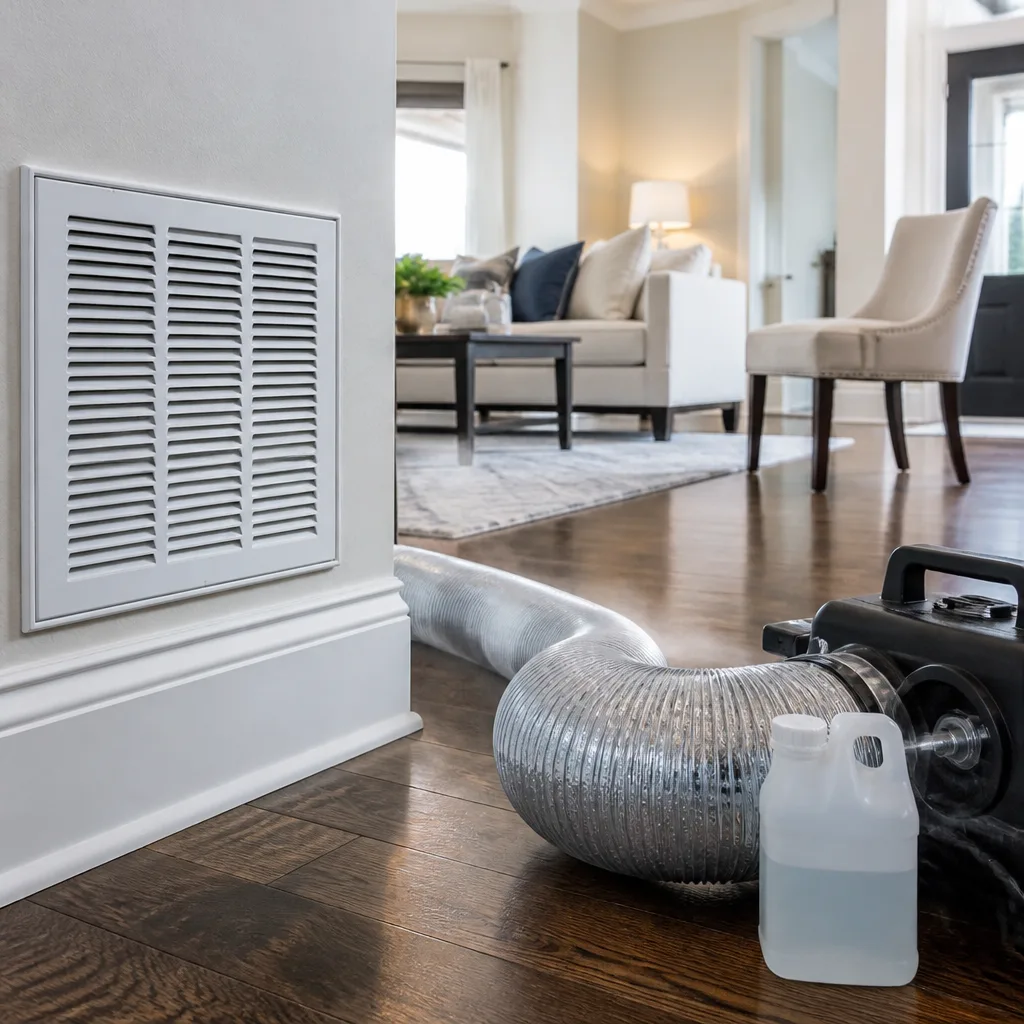 Sanitizing & deodorizing
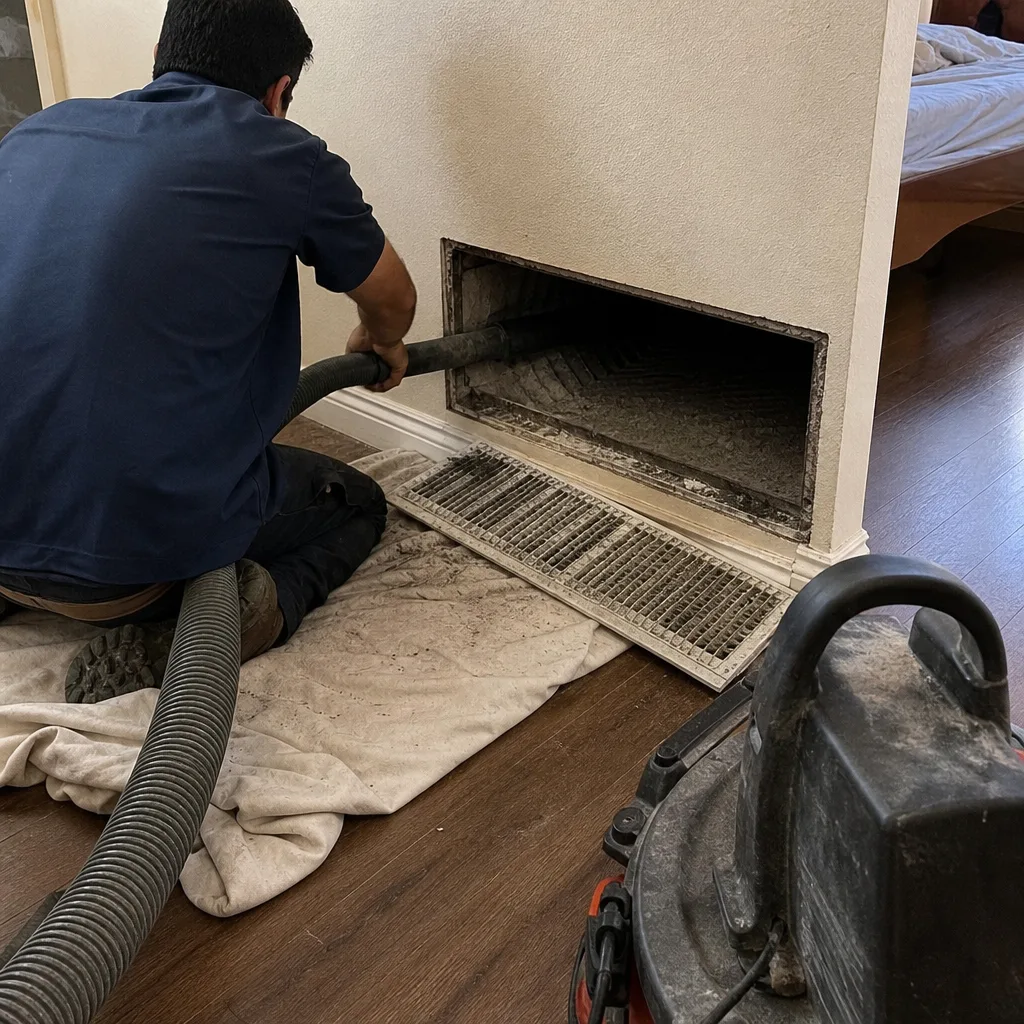
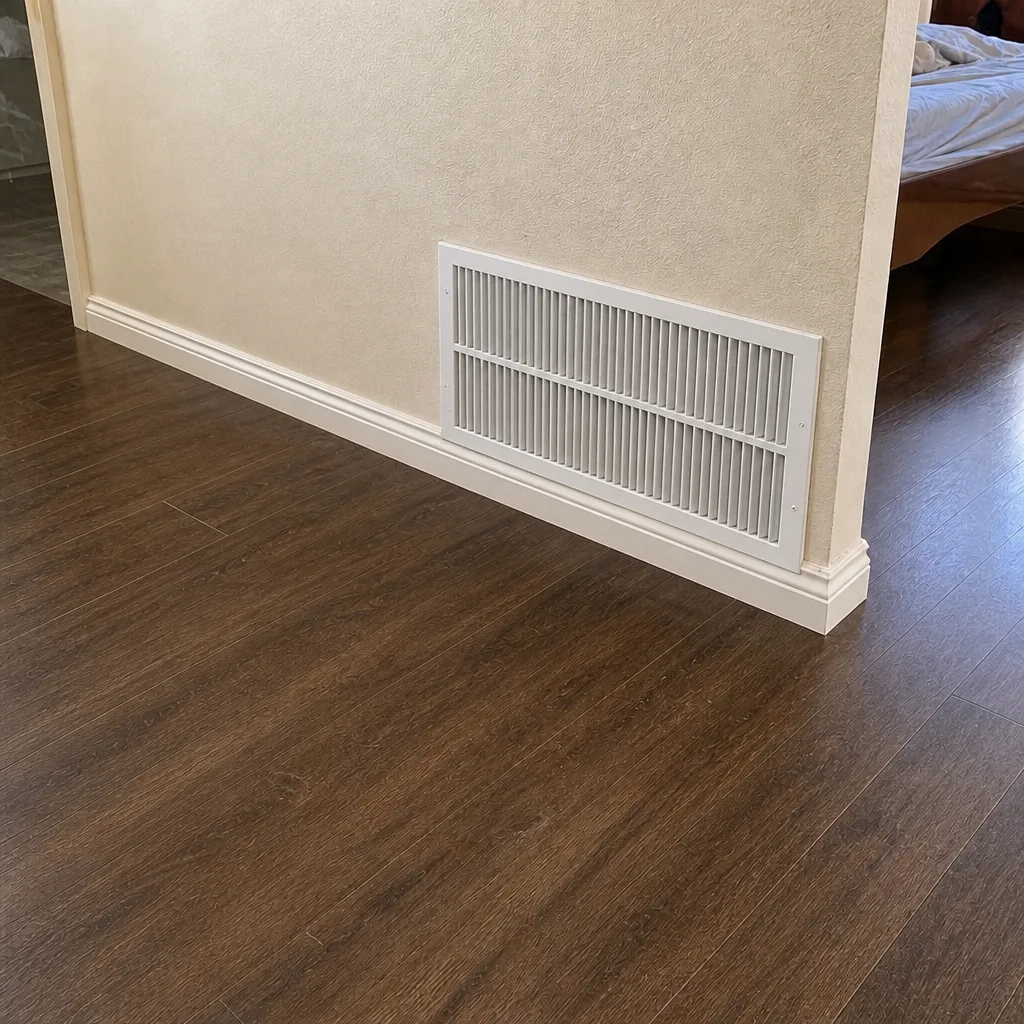
Whole-system duct and dryer vent check with before-and-after photos - you see exactly what came out of your vents
That "$99 whole-house special" is a bait ad - the real number appears once they are in your hallway, or the "clean" is a shop-vac at the register. We photograph the inside of your ducts before and after instead.
Air Duct Cleaning Maintenance Checklist for Corona Homeowners
If your checklist starts with “schedule annual duct cleaning,” it’s already wrong. The correct interval depends on inputs that vary enormously house to house: filter grade, construction activity, pet load, and how many hours your HVAC runs each summer. Corona’s inland climate punishes air conditioning systems from June through September, which means a home with two shedding dogs and a high-efficiency filter might need attention at a different cadence than a single-occupant house with no pets and a basic fiberglass filter. What follows is a homeowner-managed tracking system, not a calendar reminder. You’ll learn what to inspect, when to inspect it, and how to read what you find so you know precisely when cleaning is warranted and when it isn’t.
Styles & brands we work with
- Whole-home duct cleaning
- Dryer vent cleaning
- Camera inspection
- Sanitizing & deodorizing
Quick Answer
A proper air duct cleaning maintenance checklist for Corona homes is built around four inspection triggers: post-Santa Ana season checks, post-summer HVAC peak checks, construction activity, and filter condition readings. You’re not scheduling cleaning on a fixed date; you’re tracking contamination drivers and calling a professional only when the evidence says the ducts are loaded. Most Corona homeowners will find that a 90-day filter inspection tells them more about duct condition than any calendar ever could.
Table of Contents
- Why “Once a Year” Fails as a Duct Cleaning Rule in Corona
- Reading Your Filter: The Leading Indicator of Duct Load
- The Post-Santa Ana Season Inspection: What Blows In and What Stays
- Post-Summer HVAC Peak Checks: Corona’s Real Dust Season
- Supply vs. Return Register Inspection: Reading Dust Morphology
- Construction Activity Triggers: The Overlooked Contamination Event
- Tracking HVAC Performance as a Duct Restriction Proxy
- Common Mistakes to Avoid
- When to Call a Professional
- Frequently Asked Questions
- The Bottom Line
Why “Once a Year” Fails as a Duct Cleaning Rule in Corona
The annual-cleaning rule is a sales invention, not a maintenance standard. Here’s why it breaks down in Corona: your ducts don’t load at a constant rate. They load in bursts. A house that runs its AC ten hours a day through a 95-degree August is pulling far more air, and far more particulate, through the ductwork than the same house in March. Add a home remodel, a new puppy, or a stretch of Santa Ana winds, and you’ve got a contamination spike that a calendar can’t predict.
What matters is not how long it’s been since the last cleaning. What matters is how much particulate has entered the system since then, and what kind. Two Corona houses on the same street, both built in 2005, both with forced-air systems, can have wildly different duct conditions. One family runs a MERV 11 filter and changes it every 60 days. The other uses a basic fiberglass filter and forgets it for five months. The first house might go three years without meaningful buildup. The second might need cleaning in 18 months. The checklist approach means you read your own system’s signals instead of defaulting to an arbitrary interval.
In our experience, the homeowners who get the most value from duct cleaning are the ones who treat it as a response to evidence, not a subscription. That’s the entire philosophy behind the maintenance checklist that follows.
Reading Your Filter: The Leading Indicator of Duct Load
Your filter is the canary. It sits upstream of the evaporator coil and downstream of the return ducts, which means it captures a representative sample of what’s moving through your air handler. The condition of a 90-day-old filter tells you more about duct load than any visual inspection of a supply register ever will. Here’s how to read it.
- Remove the filter carefully. Hold it over a trash bag or a piece of newspaper. You want to see what’s collected, not what falls onto the floor.
- Examine the leading edge. This is the side facing the return air. If you see a dense, gray mat that you can’t see light through, the system is moving heavy particulate. That particulate came from somewhere: the house, the ducts, or both.
- Check the trailing edge. The side facing the coil should be noticeably cleaner. If it’s not, the filter has been bypassing air, which means unfiltered air has been reaching the coil and the supply ducts. That’s a strong argument for a professional inspection.
- Note the color and texture. A fine, uniform gray film is normal household dust. Clumps of fibrous material suggest carpet fibers, pet hair, or deteriorated insulation. Dark, sooty deposits near the edges indicate air is bypassing the filter frame entirely.
- Record the date and condition. Keep a simple log. One line per filter change: date, filter type, MERV rating, and what you observed. Over 12 months, this log becomes the most useful document you have for deciding when to call a duct cleaner.
If you’re running a Honeywell or Aprilaire media filter with a higher MERV rating, expect a denser accumulation at the 90-day mark. That’s the filter doing its job. The question is whether the accumulation you’re seeing represents normal household load or something the ducts themselves are contributing. If you’ve changed the filter every 60 to 90 days and you’re still seeing heavy buildup, the ducts are likely releasing stored particulate into the airstream between filter changes.
The Post-Santa Ana Season Inspection: What Blows In and What Stays
Corona sits inland, which means Santa Ana winds hit this area differently than they hit coastal cities. The winds pick up fine dust and particulate from the dry interior and push it through the region, often in October and November. Your home’s exterior walls, window tracks, and door sweeps will show you what’s been blowing around. But the real question is what got inside.
Here’s the post-Santa Ana checklist, in order:
- Wipe the supply registers on the windward side of the house. If you see a fast-accumulating film of fine dust within a week of cleaning them, the exterior envelope is letting wind-driven particulate into the return path. The dust you’re wiping off the register is dust that also moved through the ductwork.
- Check the return grille. Return grilles pull air from the living space. If the grille is caked after the Santa Ana season, that particulate has been drawn into the return ducts. The ducts are now storing it.
- Inspect the filter immediately. If you changed the filter in September and it’s already loaded by mid-November, the Santa Ana season delivered a meaningful particulate load to your system. Record it.
- Listen for changes in airflow. Wind-driven dust is extremely fine. It packs into duct lining and filter media efficiently. If you notice reduced airflow from supply registers after a heavy wind season, that’s a signal of particulate loading in the system.
The Santa Ana season doesn’t necessarily mean you need a professional cleaning. But it’s one of the two natural contamination events in the Corona calendar, and it deserves a specific inspection window. If the evidence is light, you move on. If the filter is loaded and the registers are filming up, you have a data point that says the ducts took a hit.
Post-Summer HVAC Peak Checks: Corona’s Real Dust Season
Summer is when Corona’s HVAC systems work hardest. Triple-digit days starting in June and running through September mean your blower is moving air for a huge portion of every 24-hour cycle. More air movement means more particulate movement. The cooling season is the real accumulation season for this area, which is why the post-summer check matters more than any other single inspection on this checklist.
Here’s what to look at during the October window, after the air conditioning load has dropped off:
- Filter condition at the end of peak season. If you changed the filter in July and it’s heavily loaded by October, the system moved a lot of particulate during the summer. That’s expected, but it’s also a signal that the ducts absorbed some of that load.
- Supply register deposits. Run a white cloth along the inside of a supply register. A light gray film is normal operation. A thick, dark deposit that comes off in chunks is not. That indicates years of accumulated particulate being redistributed through the supply side.
- Return register debris. Look for visible debris sitting in the return boot. If you can see particulate resting in the duct behind the grille, the return side is holding contamination that the filter never caught.
- Run-cycle changes. If the system seems to be running longer to hit the same thermostat setting, that’s a performance signal. Longer run cycles mean more particulate drawn through the system per day, which accelerates duct loading.
The post-summer check is about establishing a baseline. You’re not looking for a reason to clean. You’re looking for the evidence that the cooling season deposited a meaningful load. If the evidence is there, you know cleaning is warranted. If it’s not, you’ve saved yourself an unnecessary service call.
Supply vs. Return Register Inspection: Reading Dust Morphology
Not all dust is the same, and the difference matters. What you find at a supply register tells you something different from what you find at a return register. The supply side is what the system pushes out. The return side is what the system pulls in. Reading both gives you a picture of what’s happening inside the ducts themselves.
At the supply register, look for:
- A fine, uniform gray film. This is normal household dust that has passed through the filter and been distributed through the supply ducts. It’s not a cleaning trigger by itself. It means the system is moving air, and some particulate is getting through.
- Fibrous clumps or lint-like deposits. This is a different story. Fibrous material at a supply register often means deteriorated duct insulation or accumulated debris inside the supply ducts being blown out. This is a meaningful cleaning signal.
- Dark, smudgy streaks. This typically indicates particulate being driven through the register by high-velocity air, and it often correlates with a loaded filter bypassing air. Check the filter first, then consider the duct condition.
At the return register, look for:
- Visible dust accumulation on the grille surface. This is the first-stop filter for the return air path. If it’s caked, the return ducts behind it are almost certainly holding accumulated particulate.
- Debris resting in the return boot. Remove the grille and look into the duct. If you can see settled dust, pet hair, or construction debris, the return side is acting as a storage area. That stored material gets pulled into the airstream every time the system cycles.
- A fine gray film that returns within days of cleaning. This is a strong signal that the return ducts are releasing stored particulate. You’re not seeing new household dust; you’re seeing old duct contamination being recirculated.
The morphology of what you find matters because it tells you where the contamination originated. Fine gray film is mostly living-space dust that made it through the filter. Fibrous material is structural. Clumpy debris is storage. If you see fibrous or clumpy material at the supply registers, the ducts themselves are part of the problem, and a professional inspection with equipment that can actually reach the duct walls is the right next step.
Construction Activity Triggers: The Overlooked Contamination Event
Construction activity is the most common reason we see ducts that need cleaning far sooner than anyone expected. Drywall dust, sawdust, insulation fibers, and general renovation debris get pulled into the return air path during any project that involves cutting, sanding, or demolition. Corona has a steady volume of home improvement work happening at any given time, and the dust doesn’t respect plastic sheeting.
If you’ve had any of the following in the last 12 months, add a construction-trigger inspection to your checklist:
- Drywall work. Drywall dust is exceptionally fine and penetrates plastic barriers easily. It also packs into duct lining and filter media. If you sanded drywall while the HVAC system was running, that dust is in the ducts.
- Flooring removal or installation. Old carpet removal releases years of trapped particulate. New flooring installation generates sawdust or adhesive particulate. Both get pulled into the return path.
- Kitchen or bath remodel. Cabinet installation, tile cutting, and plumbing rough-in all generate dust. The return ducts are usually nearby.
- Attic work. Insulation disturbance, electrical work, or re-roofing from the inside can introduce fibrous insulation particles into the duct system if return ducts run through the attic.
The construction check is simple: replace the filter after the project is complete, then inspect it 30 days later. If it’s loaded with construction-specific dust (white drywall powder, sawdust, fiberglass particles), the ducts took a hit and should be evaluated by a professional. This is where equipment capability matters: a contractor using a household shop vac can’t reach the interior surfaces of your duct runs. Air duct cleaning requires the reach and agitation of professional systems like Nikro and Rotobrush equipment to dislodge construction debris from duct walls.
Tracking HVAC Performance as a Duct Restriction Proxy
Duct restriction shows up as a performance issue before it shows up as a visible contamination issue. When ducts accumulate particulate, the interior cross-section shrinks. Airflow drops. The system runs longer to hit the same temperature. You can track this without any special tools.
The temperature differential method:
- Measure the supply air temperature. Use an inexpensive digital thermometer held at a supply register. Record it during a cooling cycle.
- Measure the return air temperature. Hold the same thermometer at the return grille. Record it at the same time.
- Subtract. The difference between supply and return should typically be 15 to 20 degrees on a properly functioning cooling system. If the differential is lower than expected, the system is working inefficiently. Duct restriction is one possible cause.
- Track the number over time. A gradual decline in temperature differential across a season is a meaningful signal. It often correlates with filter loading or duct restriction.
The run-cycle method:
- Note the run cycles on a typical hot day. How long does the system run to drop the house one degree? How often does it cycle?
- Compare across the season. If the same outdoor temperature produces longer run cycles in September than it did in June, something is reducing system efficiency. Loaded ducts are a common culprit.
- Pair with filter inspection. If run cycles are lengthening and the filter is loaded, you’ve got two independent signals pointing at restricted airflow.
Performance metrics are a proxy, not a diagnosis. But they’re a cheap, homeowner-accessible way to know whether the system is working harder than it was. When performance degrades and filter readings are heavy, the ducts are a reasonable place to look. A professional inspection can confirm what’s actually on the duct walls. We’ve used Abatement Technologies negative-air containment on jobs where the ducts were so loaded that cleaning without proper containment would have simply redistributed the contamination into the living space.
Common Mistakes to Avoid
- Using a fixed annual schedule without evidence. Cleaning ducts that aren’t loaded wastes money and doesn’t improve air quality. The checklist exists so you clean on evidence, not on a calendar.
- Relying on a basic fiberglass filter and expecting duct longevity. Basic filters capture large particulate only. Everything smaller passes through the filter and deposits in the ducts. A mid-range Honeywell or Aprilaire filter changes the loading rate significantly.
- Ignoring the return side entirely. Most homeowner inspections focus on supply registers because those are visible and familiar. But the return side is where contamination enters the system. It’s the more important inspection point.
- Waiting until airflow is visibly weak. By the time you notice airflow reduction at a register, the ducts have been restricted for months. The performance metrics in this checklist are designed to catch the trend before it becomes obvious.
- Treating a post-construction filter change as sufficient. Changing the filter after a remodel removes what the filter captured. It does nothing for what’s settled on the duct walls downstream of the filter. Construction dust in the ducts stays there until it’s mechanically removed.
- Hiring on price alone without asking about equipment. A contractor using a household shop vac attached to a hose cannot clean duct interiors. The equipment matters. We use professional-grade Rotobrush and Nikro systems because they’re built for this specific task.
- Ignoring dryer vent maintenance while cleaning the ducts. The dryer vent is part of the home’s air movement system, and it’s a fire hazard when loaded with lint. Dryer vent cleaning should be tracked on the same inspection log as the ductwork.
When to Call a Professional
Some findings on this checklist are homeowner-manageable: register wiping, filter replacement, and exterior dust control. Others are not. Call a professional when you see fibrous deposits at supply registers, debris visible inside return boots, heavy filter loading despite regular changes, or a measurable decline in HVAC performance across a season. These are signs that the ducts themselves are holding contamination, and removing it requires equipment that can reach the full length of the duct runs, not just what’s visible at the opening. Duct Cleaning Corona offers free estimates in Corona. Call (855) 923-0983 and describe what you’re seeing. We’ll tell you straight whether cleaning is warranted.
Frequently Asked Questions
There is no fixed interval that works for every Corona home. The evidence-based approach in this guide points to every 2 to 5 years as the realistic range, depending on filter quality, pet load, construction activity, and how the system responds to Santa Ana and summer seasons. A home with a high-efficiency filter, no pets, and no recent construction might go 5 years without meaningful buildup. A home with a basic filter, multiple pets, and a recent remodel might need attention in 18 months.
A 90-day-old filter shows you what the system has been pulling through the return path. Heavy uniform loading means the system is moving normal household particulate. Fibrous or clumpy deposits mean something structural or stored is entering the airstream. If the trailing edge is dirty, the filter has been bypassing air, and unfiltered particulate has been reaching the coil and supply ducts.
The price difference usually reflects equipment capability. A contractor using a household shop vac and a spinning brush on a drill charges less because the equipment costs less and cleans less. Professional systems like Rotobrush and Nikro are built to agitate and extract particulate from the full length of the duct run. The cheaper quote often cleans the first few feet of visible duct and leaves the rest untouched. Ask what equipment they use before you compare prices.
Ask for before-and-after photos of the duct interiors. A contractor using professional equipment can capture this easily. You should see a visible difference on the duct walls: clean metal where there was a gray film or debris before. If a contractor can’t or won’t provide this documentation, that’s a signal in itself.
It can, if the ducts are actually holding and releasing particulate. Duct cleaning removes stored dust, pet dander, and other allergens from the air distribution system. But it’s not a substitute for filtration. A meaningful allergy reduction strategy pairs duct cleaning with a quality filter from Honeywell or Aprilaire so that new particulate is captured before it enters the ducts.
Sometimes. If the airflow imbalance is caused by particulate restriction in the duct runs, cleaning can restore balance. If the imbalance is caused by duct design, damper settings, or leaks, cleaning won’t fix it. That’s why air duct cleaning should be paired with an inspection that can identify whether the ducts are restricted or compromised. If they’re compromised, air duct repair is the fix, not cleaning.
The Bottom Line
A duct cleaning maintenance checklist for Corona is a tracking system, not a to-do list. You inspect after the Santa Ana season and after the summer cooling peak. You read your filter every 90 days and log what you find. You check supply and return registers for dust morphology that tells you where contamination is coming from. You track HVAC performance as a restriction proxy. When the evidence stacks up, you call a professional with the right equipment. When it doesn’t, you skip the service call and save the money. That’s the whole point: clean ducts when the ducts need cleaning, not when a calendar says so.
Written by the team at Duct Cleaning Corona, serving Corona since 2012.
See the difference
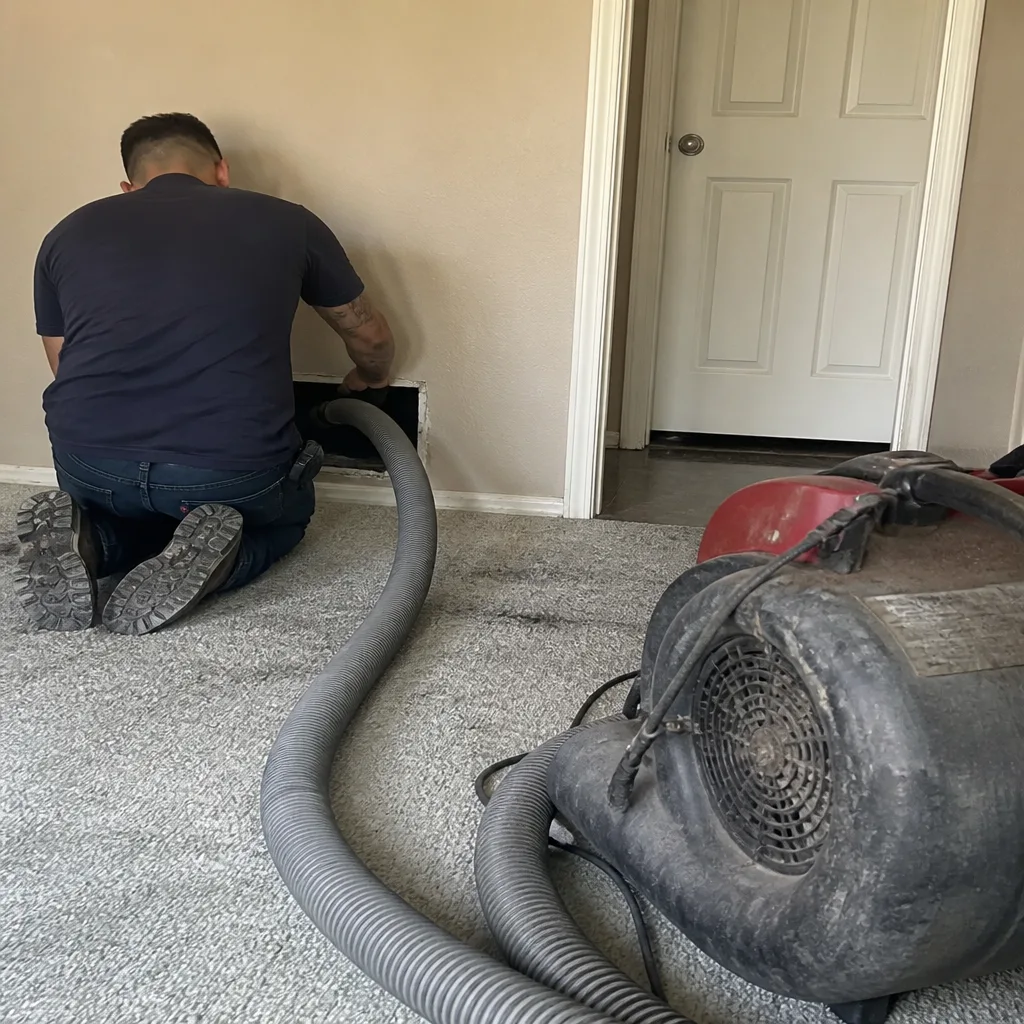 Before
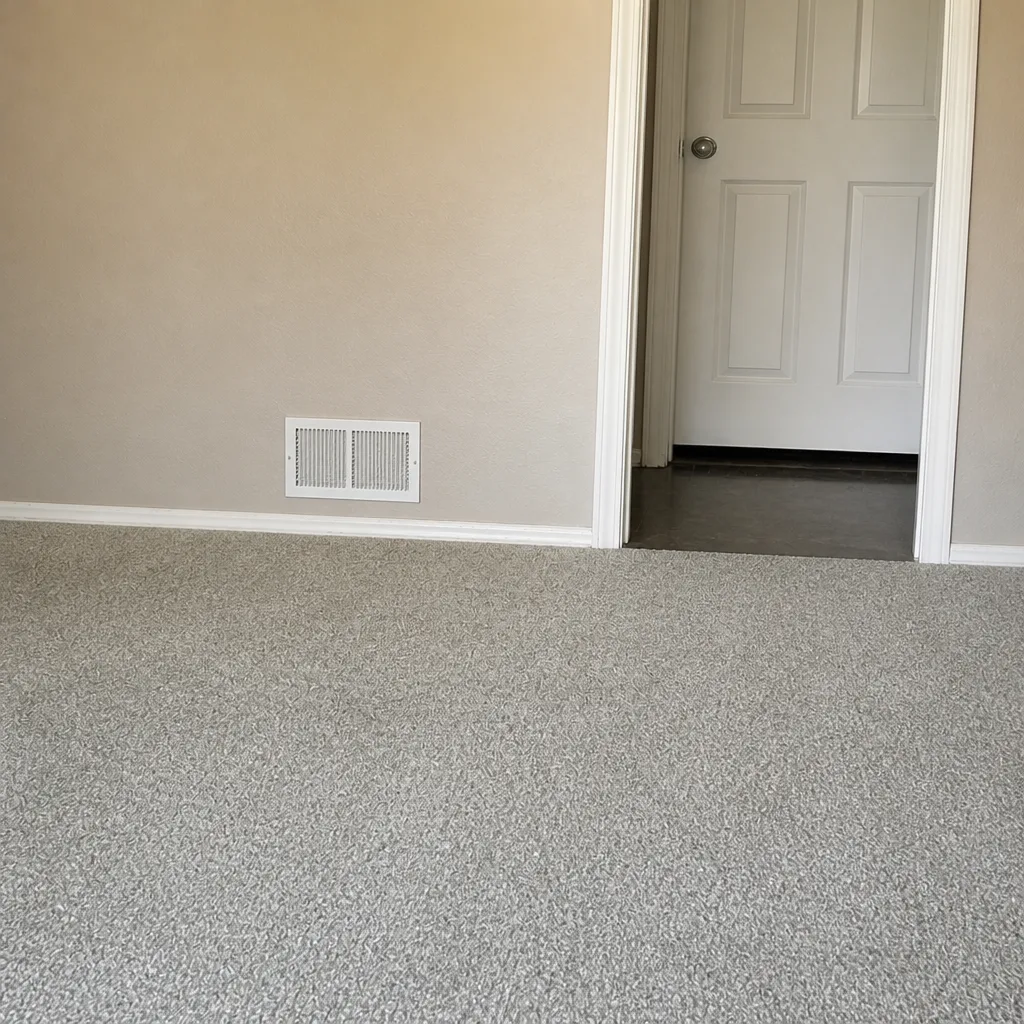 After
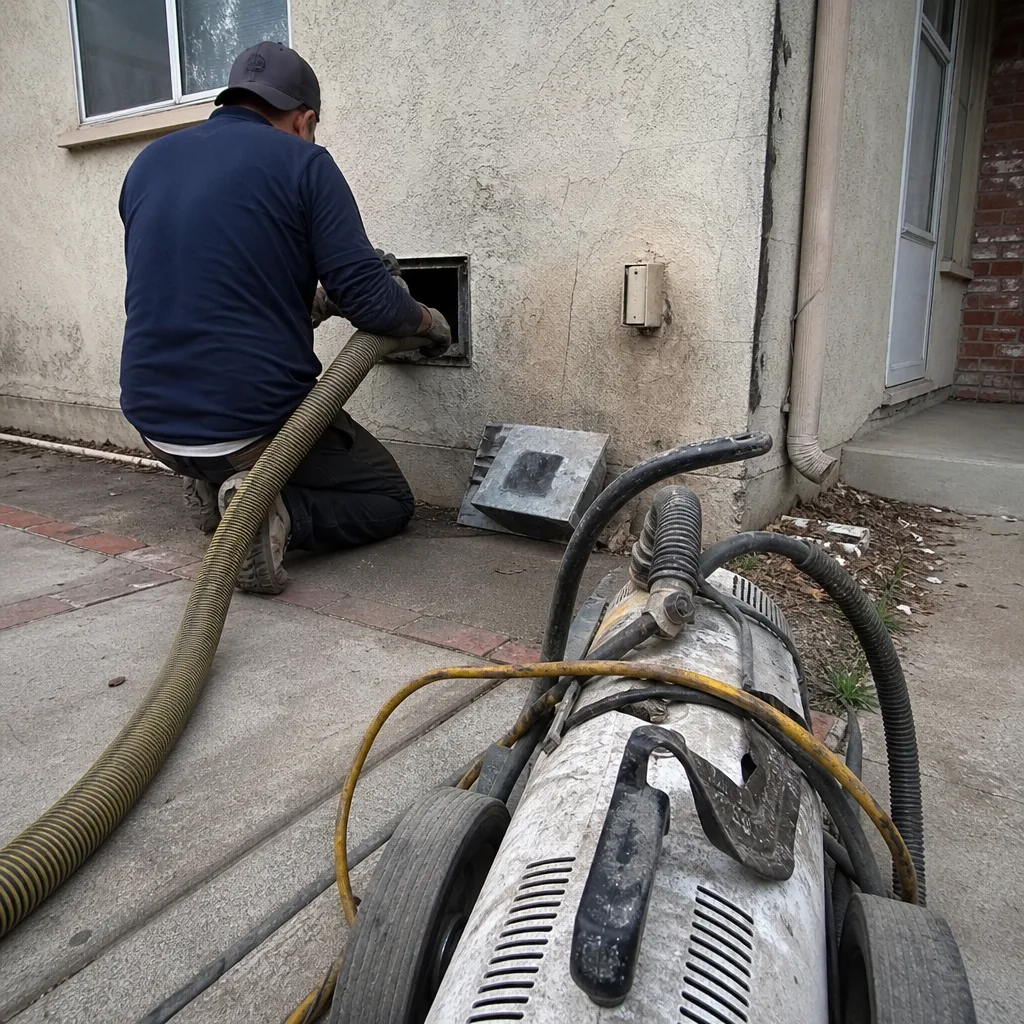 Before
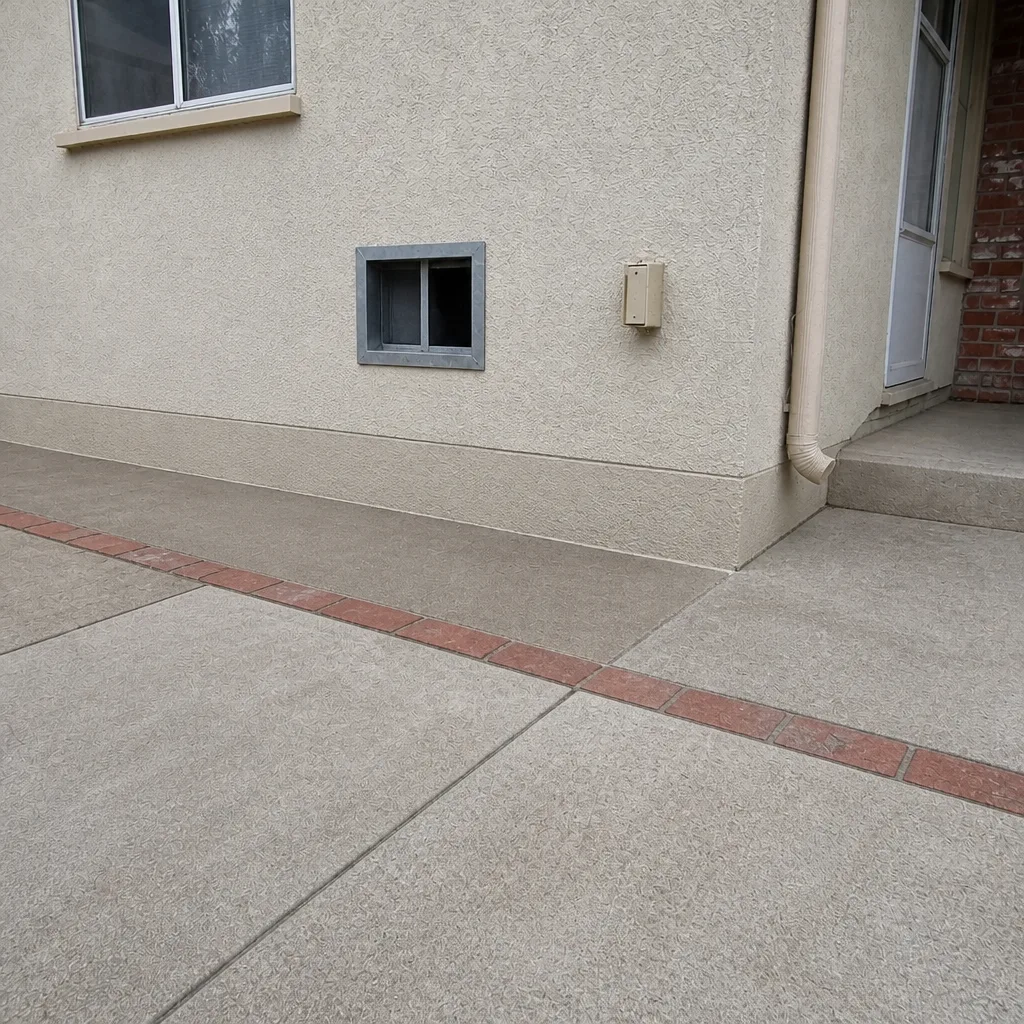 After
 Before
 After